Showing posts with label Google Docs. Show all posts

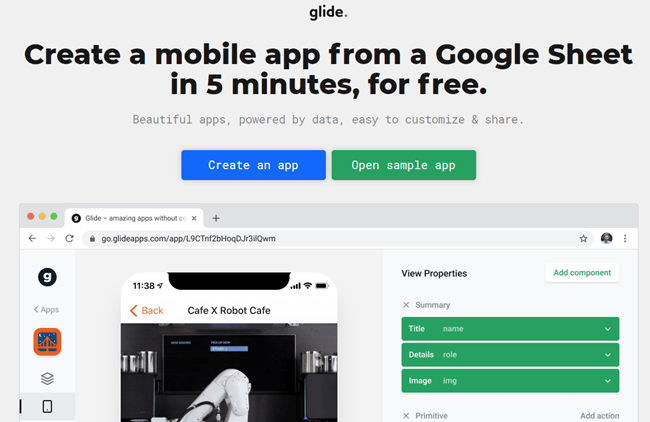
Glide: Create a mobile app from a Google Sheet in 5 minutes, for free.

Web Address: https://www.glideapps.com/

About: This is a free service that lets you create web-based mobile apps in under 10 minutes by pulling data off a Google Spreadsheet.

@CoRubrics - An Add-on to Facilitate Assessment Among Students

Web Address: https://corubrics-en.tecnocentres.org/

In their own words: "CoRubrics, an add-on for Google Sheets helps teachers in the assessment process. It is used to assess students (or groups of students) with a rubric designed by the teacher and also allows students to assess other students (coevaluation).
CoRubrics automates the entire process. First, teachers design the rubric they want to use in Google Sheets, then they add the students' names and their email address. (These can be imported from Google Classroom). Once this is done, the add-on will:
  • Create a Google Form with the contents of the rubric.
  • Send the form to the students by email or simply provide the link to the teacher.
  • Process the data once the form is filled out (by the students or by the teacher).
  • Finally, send the results to the students (each student receives only their results) with a personalized comment.
  • Insert comments when answered.
  • Allow Co-evaluation, self-assessment and teacher assessment with one link.
In addition, CoRubrics allows:
  • Insert comments when answered.
  • Allow Co-evaluation, self-assessment and teacher assessment with one link.

Document Studio for Google Docs - Easily perform mail merges with Google Docs

Web Address:  https://chrome.google.com/webstore/detail/document-studio/nhgeilcelhkmajkfgmgldbinmgjjajlb

In their own words:  "Create documents with Google Sheets and Google Forms responses. Includes Mail Merge, Store merged files in Google Drive and ShareCreate documents from your spreadsheet data and Google Forms responses in a snap."

Google Keep - A free note taking app that's better than Evernote

Web Address: https://www.google.com/keep/

About: Another one of Google's excellent free services, this is very handy for educators and learners as it allows everyone to make all sorts of different types of notes and keep them all synchronized across a wide variety of internet enabled devices.

How to master Google Forms

Web Address: https://zapier.com/learn/google-sheets/how-to-use-google-forms/

About: Google forms are a great tool for both educators and learners alike,  This free guide will show you how to get the most out of them.

VideoNot.es: A Google Drive add on that makes making notes on Youtube videos easy.

Web Address: http://www.videonot.es/

About: This is a really handy tool for anyone who ever needs to make notes from an online video they ware watching.

Notes are automatically time-stamped to match the exact point in the video where they were made - and by clicking on the time stamp you will be automatically taken to the exact point in the video where the notes were made.

Google Doc Publisher - Publish Good Looking Google Docs

Web Address: http://gdoc.pub/

About: this free service lets you publish documents that you have written using Google Docs but keeps the formatting you have applied - so when people look at your document it appears exactly how you want it to.

It's really helpful for pupils creating flyers or other documents in an ICT lesson and then sharing them online for parents to see.

JoeZoo: A 3 tools-in-1 add-on for Google Docs that reduces marking time by 80%.

Web Address: https://getjoezoo.com/

About: "Marking student assignments in Google Docs is overly complicated and time consuming. The JoeZoo Express add-on makes it easier and faster for teachers."

Techie Teacher © 2014. All Rights Reserved | Powered By Blogger | Blogger Templates

Designed by-SpeckyThemes