Showing posts with label KS2. Show all posts

Knowt - An app that uses machine learning to automatically turn your notes into review quizzes.


Web Address
: https://getknowt.com/

In their own words: "Our algorithm makes sure learning will never be the same again. First, we take your notes and analyze them using machine learning. On our server, the A.I. determines the best question formats for each sentence. Once it knows the best questions, the algorithm sends it to the web or mobile app for you to take a quiz!"

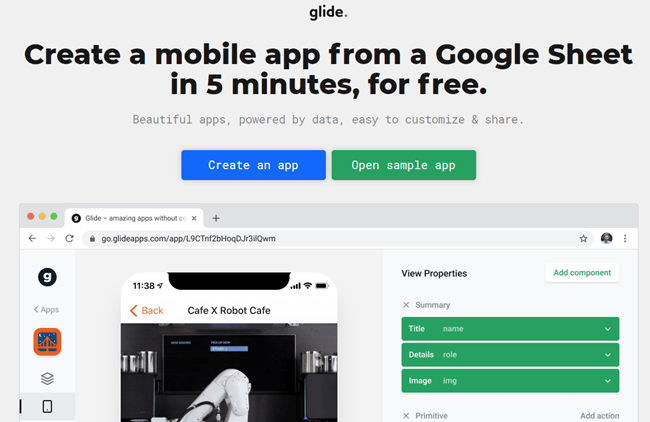
Glide: Create a mobile app from a Google Sheet in 5 minutes, for free.

Web Address: https://www.glideapps.com/

About: This is a free service that lets you create web-based mobile apps in under 10 minutes by pulling data off a Google Spreadsheet.

Write Reader - Let your pupils create multimedia E-books

Web Address: https://www.writereader.com/en

In their own words:  "For more than 200 years we have taught our children how to write and read in the same way. Still, every fifth child today is functional illiterate. Being both parents and passionate teachers, this made us think: Okay, if children can’t learn the way we teach, maybe we should teach the way they learn. And by creating WriteReader we have done just that. Children learn by being motivated, and they are not motivated by putting A, B and C’ in different orders; they are being motivated by telling stories about dinosaurs, Christiano Ronaldo, skateboarding and pink, fluffy unicorns. So we let children write books about their big passions without letting correct spelling slow them down or kill the motivation. A teacher or parent then writes the correct spelling, so focus is on comparing, not correcting. Actually, this is pretty much the way we teach our children how to talk.

Our dream is to change lives by changing writing from being a potentially losing game into a rewarding experience where children share and become proud writers. Be a WriteReader – Just go ahead!"

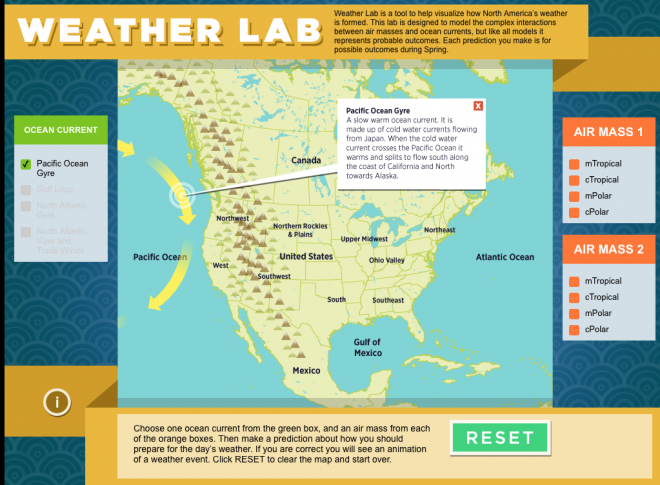
Weather Lab - See what the weather is like in America

Web Address: https://ssec.si.edu/weather-lab

In their own words: "Weather Lab is a tool to help visualize how North America’s weather is formed. This lab is designed to model the complex interactions between air masses and ocean currents, but like all models, it represents probable outcomes. Each prediction you make is for possible outcomes during Spring."

Beautiful Audio Editor - Edit audio anywhere.

Web Address: https://beautifulaudioeditor.appspot.com/

About: "An experimental audio editor.
Copy. Snip. Pan. Record. Flexibly fade volume with envelopes. Apply and move effects (filters, compression, etc.) amongst tracks. And more.
Edit while playing for quick feedback.
Works online or offline.
Create and organize projects in Google Drive. Edit projects anywhere within Chrome or Firefox.
Store projects online or offline (in a local file to load later)."

Synth - Podcasting in byte-sized increments.

Web Address: https://gosynth.com/

In their own words: "256 second audio or video soundbytes that you can share anywhere, discover easily, interact with and listen to back-to-back. Free."

Cartoons Public Domain Movies - Feature Films in the Public Domain

Web Address: http://publicdomainmovie.net/

About: On this website, you can find hundreds of films which can be legally watched for free.

National Geographic 101 - A wide collection of videos focusing on nature and science

Web Address: https://www.youtube.com/playlist?list=PLivjPDlt6ApRpidjp1zjROOCKru-89Q1_

In their own words: Explore and experience some of nature's most intriguing phenomena in the 101 series, a science class unlike any other.

Pexels Videos - Find free stock footage for Chroma key (green screen) backgrounds

Web Address: https://videos.pexels.com/

In their own words: "Pexels Videos offers completely free videos. All videos are licensed under the Creative Commons Zero (CC0) license. This means you can edit or change the videos and use them free for personal and even for commercial projects. All without asking for permission or setting a link to the source. So that attribution is not required. With our swiftly growing database of videos, you are guaranteed to find the perfect footage for your website header, product promotion, or anything else. Every video we have available is free for any purpose - including commercial. This guarantees that you will be saving the hundreds of dollars better spent promoting your brand."

Flipgrid - Video for Student Engagement & Formative Assessment

Web Address: https://info.flipgrid.com/

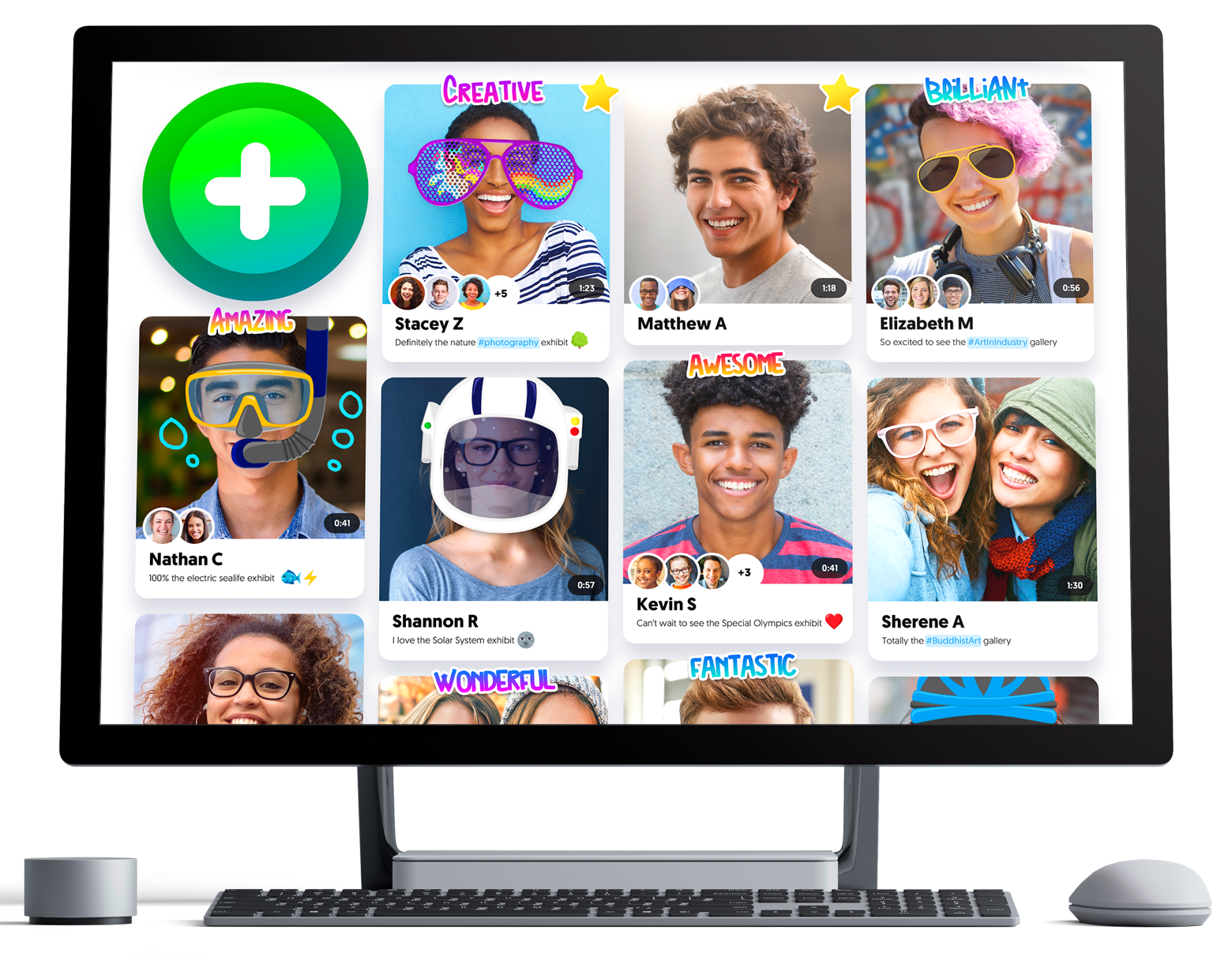
About: Flipgrid is a website that allows educators to create "grids" to enable video discussions. Each grid is like a message board where teachers can pose questions, and their learners can post video responses that appear in a tiled grid display.

Patches - Create your own VR worlds

Web Address: https://patches.vizor.io/

About: Patches is a visual programming editor for building WebVR and WebGL experiences. With over 350 patches, ranging from low-level programming, loops, variables and arrays to colour pickers and interaction triggers, Patches is a powerful and flexible modular system for building complex webVR projects.

Google Tour Creator - Create your own VR tour.

Web Address: https://vr.google.com/tourcreator/

About: This allows anyone to create their own VR tour using imagery from Google's Street View or their own 360-degree photos. The new app is designed to work with Google Cardboard and Google's existing VR “field trips” app Expeditions

@CoRubrics - An Add-on to Facilitate Assessment Among Students

Web Address: https://corubrics-en.tecnocentres.org/

In their own words: "CoRubrics, an add-on for Google Sheets helps teachers in the assessment process. It is used to assess students (or groups of students) with a rubric designed by the teacher and also allows students to assess other students (coevaluation).
CoRubrics automates the entire process. First, teachers design the rubric they want to use in Google Sheets, then they add the students' names and their email address. (These can be imported from Google Classroom). Once this is done, the add-on will:
  • Create a Google Form with the contents of the rubric.
  • Send the form to the students by email or simply provide the link to the teacher.
  • Process the data once the form is filled out (by the students or by the teacher).
  • Finally, send the results to the students (each student receives only their results) with a personalized comment.
  • Insert comments when answered.
  • Allow Co-evaluation, self-assessment and teacher assessment with one link.

In addition, CoRubrics allows:
  • Insert comments when answered.
  • Allow Co-evaluation, self-assessment and teacher assessment with one link.

Scholastic Character Scrapbook - Analyze the characters in any book!

Web Address: http://teacher.scholastic.com/activities/scrapbook/

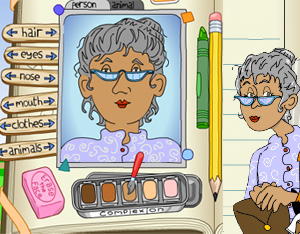
In their own words: Use this reader's response activity to analyze the characters in any book. Print and collect your scrapbook pages.

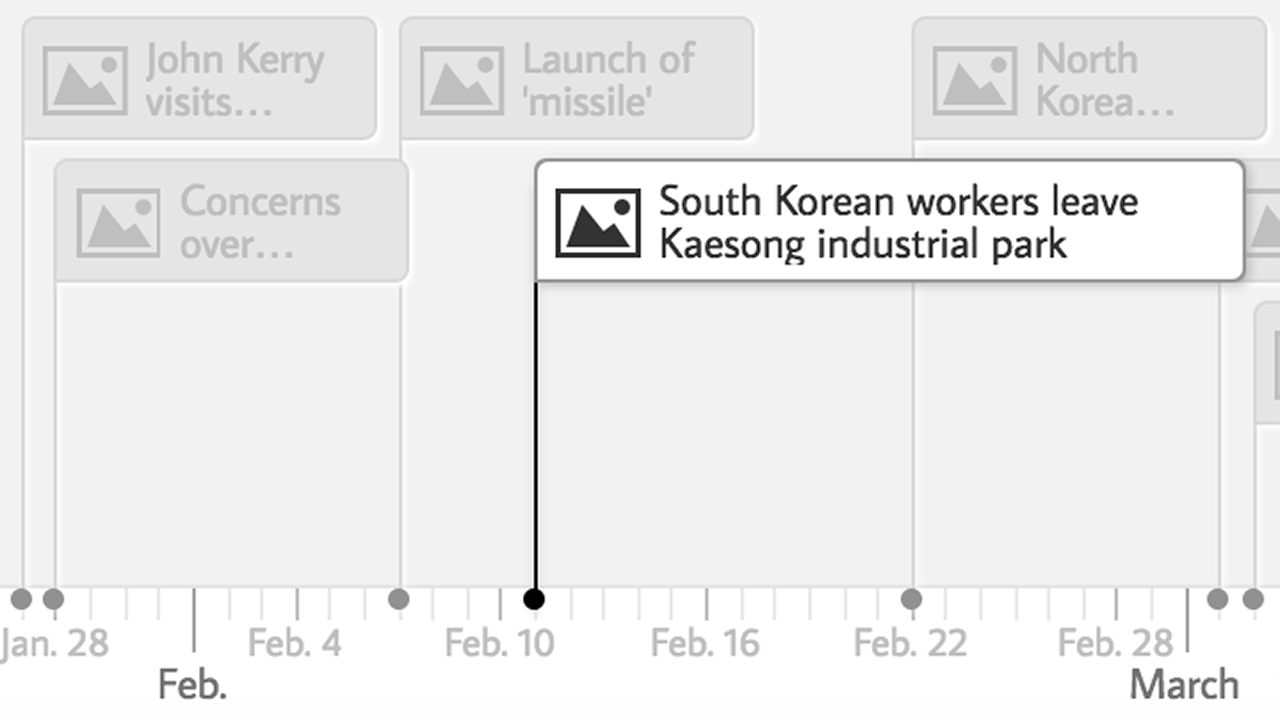
TimeLine JS

Web Address: https://timeline.knightlab.com

In their own words: "TimelineJS is an open-source tool that enables anyone to build visually rich, interactive timelines. Beginners can create a timeline using nothing more than a Google spreadsheet."

Build a Body - a drag and drop Biology game

Web Address: http://www.spongelab.com/game_pages/bab.cfm

In their own words: "Learn about the body's systems with this drag and drop game. Choose organs from the organ tray, and place them in their correct position within the body to create organ systems.

Build-A-Body is a drag and drop game where players are tasked with assembling an organ system from a set of organs. Players may then attempt case studies where a functional problem with a system must be linked to the organ affected."

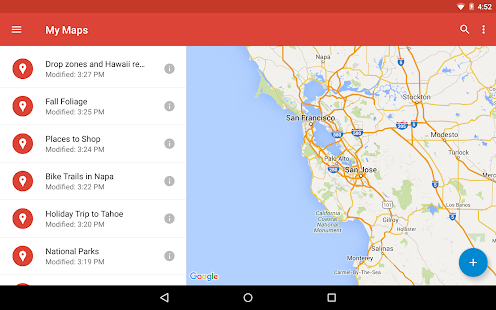
Google "My Maps" - Easily create custom maps with the places that matter to you.

Web Address: https://www.google.com/maps/d/u/0/

About: Google "My Maps" enables teachers and learners to create custom maps. Users can add points, lines, and shapes on top of Google Maps, using a WYSIWYG editor.

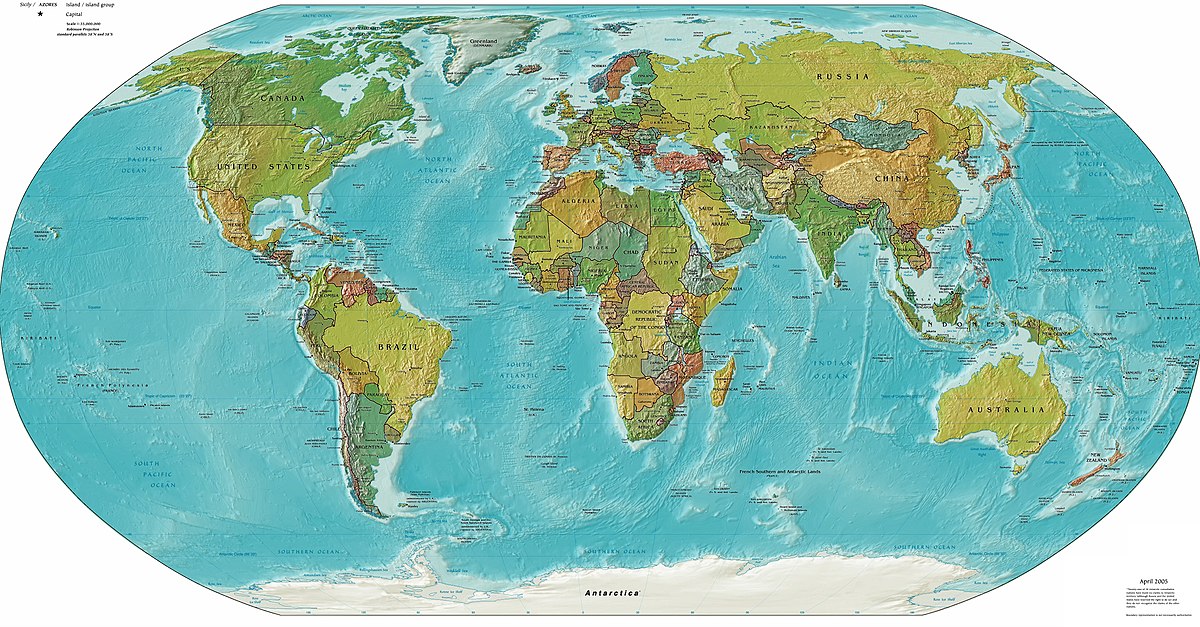
Mission MapQuest - A geography "map game" creation tool

Web Address: http://www.classtools.net/mapgame/game.php

About: This lets teachers set a series of clues that pupils need to follow to identify places around the world.

Where Is? - An interactive Geography Quiz

Web Address: http://backpacker-adventure-club.de/geo/

About: This online game gives pupils the name of a city which they then have to click on via the map provided.

Capital Toss - A free geography game from ABCya

Web Address: http://www.abcya.com/capital_toss.htm

About: The game has an American state capitals mode and a country capitals mode - so if you are based outside of the US you will just want to use the latter option.  The name of country appears at the bottom of the screen and three rows of capital city names scroll across the top. When the correct capital name appears pupils "throw" a ball at it. After ten correct answers players can choose a new ball. Three consecutive incorrect answers ends the game.

Techie Teacher © 2014. All Rights Reserved | Powered By Blogger | Blogger Templates

Designed by-SpeckyThemes