Showing posts with label Assessment. Show all posts

Knowt - An app that uses machine learning to automatically turn your notes into review quizzes.


Web Address
: https://getknowt.com/

In their own words: "Our algorithm makes sure learning will never be the same again. First, we take your notes and analyze them using machine learning. On our server, the A.I. determines the best question formats for each sentence. Once it knows the best questions, the algorithm sends it to the web or mobile app for you to take a quiz!"

Synth - Podcasting in byte-sized increments.

Web Address: https://gosynth.com/

In their own words: "256 second audio or video soundbytes that you can share anywhere, discover easily, interact with and listen to back-to-back. Free."

Microsoft Forms - Easily create surveys, quizzes and polls.

Web Address: https://forms.office.com/

About: This is Microsoft's take on Google forms.  Both services do the same thing, letting you create online surveys, quizzes and polls.  which one you use is entirely down to your own personal preference.

@CoRubrics - An Add-on to Facilitate Assessment Among Students

Web Address: https://corubrics-en.tecnocentres.org/

In their own words: "CoRubrics, an add-on for Google Sheets helps teachers in the assessment process. It is used to assess students (or groups of students) with a rubric designed by the teacher and also allows students to assess other students (coevaluation).
CoRubrics automates the entire process. First, teachers design the rubric they want to use in Google Sheets, then they add the students' names and their email address. (These can be imported from Google Classroom). Once this is done, the add-on will:
  • Create a Google Form with the contents of the rubric.
  • Send the form to the students by email or simply provide the link to the teacher.
  • Process the data once the form is filled out (by the students or by the teacher).
  • Finally, send the results to the students (each student receives only their results) with a personalized comment.
  • Insert comments when answered.
  • Allow Co-evaluation, self-assessment and teacher assessment with one link.

In addition, CoRubrics allows:
  • Insert comments when answered.
  • Allow Co-evaluation, self-assessment and teacher assessment with one link.

Document Studio for Google Docs - Easily perform mail merges with Google Docs

Web Address:  https://chrome.google.com/webstore/detail/document-studio/nhgeilcelhkmajkfgmgldbinmgjjajlb

In their own words:  "Create documents with Google Sheets and Google Forms responses. Includes Mail Merge, Store merged files in Google Drive and ShareCreate documents from your spreadsheet data and Google Forms responses in a snap."

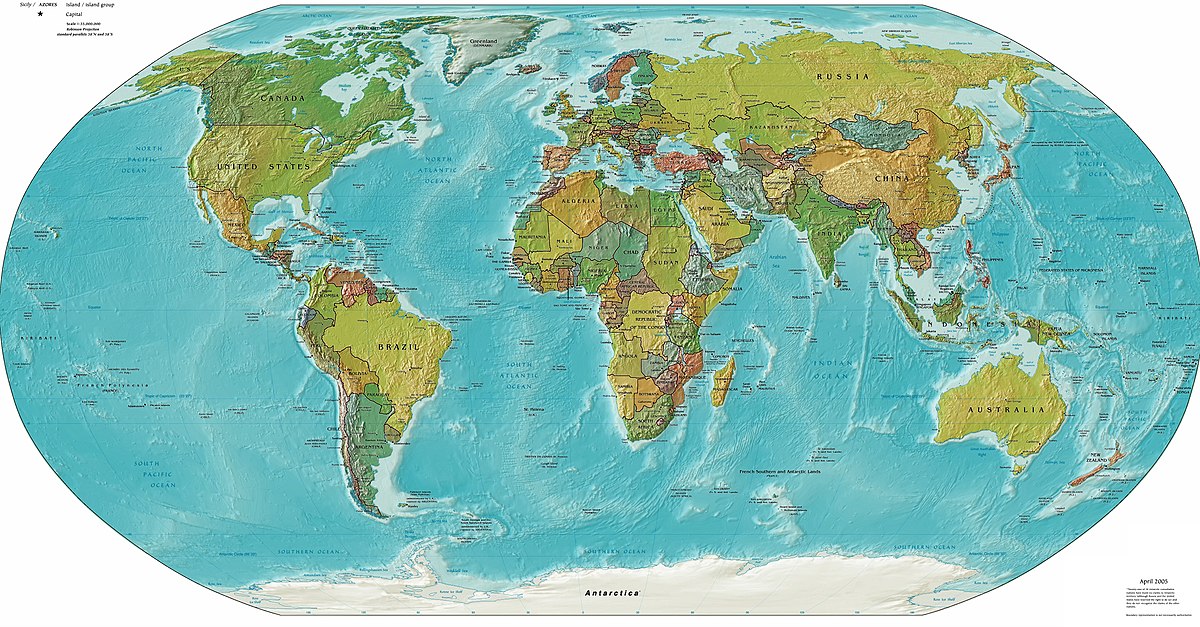
Mission MapQuest - A geography "map game" creation tool

Web Address: http://www.classtools.net/mapgame/game.php

About: This lets teachers set a series of clues that pupils need to follow to identify places around the world.

Where Is? - An interactive Geography Quiz

Web Address: http://backpacker-adventure-club.de/geo/

About: This online game gives pupils the name of a city which they then have to click on via the map provided.

Capital Toss - A free geography game from ABCya

Web Address: http://www.abcya.com/capital_toss.htm

About: The game has an American state capitals mode and a country capitals mode - so if you are based outside of the US you will just want to use the latter option.  The name of country appears at the bottom of the screen and three rows of capital city names scroll across the top. When the correct capital name appears pupils "throw" a ball at it. After ten correct answers players can choose a new ball. Three consecutive incorrect answers ends the game.

Smarty Pins - A Google Maps based geography and trivia game.

Web Address: https://smartypins.withgoogle.com/

About:  This is a nice game to support the teaching of Geography. It gives pupils a trivia question that they have to answer by placing a pin on a map. Players earn "miles" for correctly placing a pin on the map. Players can lose miles for answering incorrectly and or taking too long to answer.

Click to spin - Random pupil name picker

Web Address: https://www.classtools.net/random-name-picker/

About: This is a free service that lets you create a 'wheel of fortune' with pupils names on it.  You can then spin the wheel to pick a pupil at random.

Quizalize - Create free self marking formative assessments for your learners.

Web Address: https://www.quizalize.com/

About: This is a free service which lets you create online self marking tests which your learners can then take.

How to make self marking tests and quizzes in Google Docs Forms

Web Address: https://support.google.com/docs/answer/7032287?hl=en

About: You can now create self marking tests using just Google Docs Forms with no extra add ons.

This page will guide you through the whole process.

Cite this for me - Create bibliographies in 60 seconds or less.

Web Address: http://www.citethisforme.com/

About: This is a free service that lets learners quickly and easily create a bibliography for their work.

Otter - Simple Websites for Teachers.

Web Address: http://useotter.com/index.php

In their own words: "Otter makes it easy to keep parents and students in the loop. Free."

Otus - A free Virtual Learning Environment (VLE).

Web Address: http://otus.com/get-started/

About: Similar to Easy Class, this is another free VLE for you and your learners to use.  Which one you pick is down to personal preference - I'd suggest having a go with both & seeing which one works best for you.

EasyClass - A free web based learning environment for you and your learners

Web Address: https://www.easyclass.com/

About: Easyclass is a free Virtual Learning Environment (VLE).  You can host classroom discussions, post assignments, post resources and deliver online quizzes to your students.

How to master Google Forms

Web Address: https://zapier.com/learn/google-sheets/how-to-use-google-forms/

About: Google forms are a great tool for both educators and learners alike,  This free guide will show you how to get the most out of them.

Scratch Maths: Building mathematical knowledge with programming

Web Address: http://www.scratchmaths.org/

About: "ScratchMaths is a national project funded by the Educational Endowment Foundation (EEF) which is aiming to establish the impact of learning computer programming on the mathematics performance of pupils at Key Stage 2. As part of the project over 100 schools across the country will trial a new Y5/6 computing curriculum based around the free online programming environment Scratch, developed by the MIT Media Lab.

My Simple show - An easy and free way to make explainer videos.

Web Address: https://www.mysimpleshow.com/

About: This is a free service which educators and learners can use to make animated 'explainer' videos.  It's very similar to Powtoon but without the cost!

Wizer.me - A free online tool form marking and sharing class worksheets.

Web Address: http://app.wizer.me/

About: Wizer.Me allows teachers to create quick, easy and fun digital worksheets, to share them with fellow educators.

Techie Teacher © 2014. All Rights Reserved | Powered By Blogger | Blogger Templates

Designed by-SpeckyThemes