Showing posts with label Music. Show all posts

Knowt - An app that uses machine learning to automatically turn your notes into review quizzes.


Web Address
: https://getknowt.com/

In their own words: "Our algorithm makes sure learning will never be the same again. First, we take your notes and analyze them using machine learning. On our server, the A.I. determines the best question formats for each sentence. Once it knows the best questions, the algorithm sends it to the web or mobile app for you to take a quiz!"

Beautiful Audio Editor - Edit audio anywhere.

Web Address: https://beautifulaudioeditor.appspot.com/

About: "An experimental audio editor.
Copy. Snip. Pan. Record. Flexibly fade volume with envelopes. Apply and move effects (filters, compression, etc.) amongst tracks. And more.
Edit while playing for quick feedback.
Works online or offline.
Create and organize projects in Google Drive. Edit projects anywhere within Chrome or Firefox.
Store projects online or offline (in a local file to load later)."

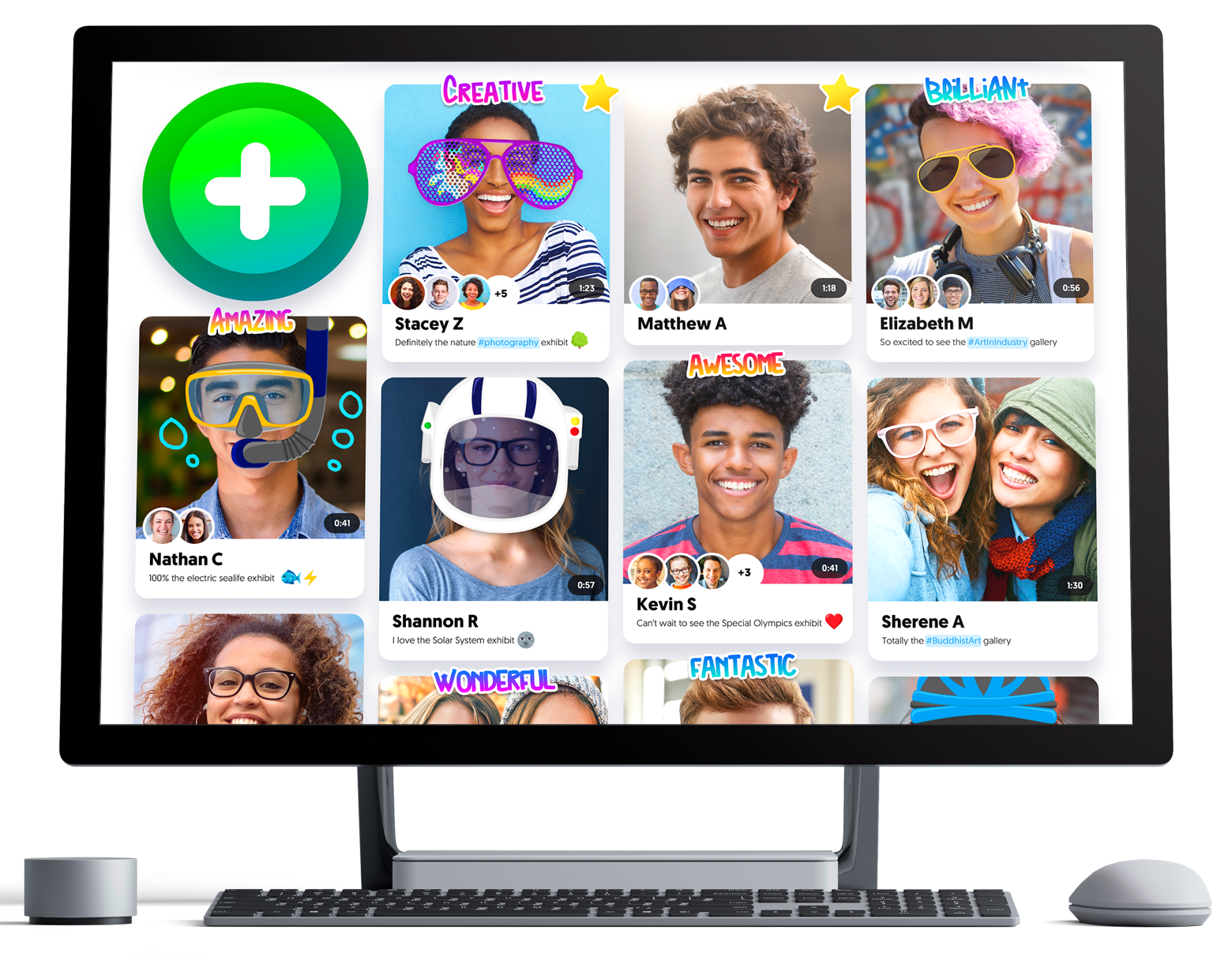
Flipgrid - Video for Student Engagement & Formative Assessment

Web Address: https://info.flipgrid.com/

About: Flipgrid is a website that allows educators to create "grids" to enable video discussions. Each grid is like a message board where teachers can pose questions, and their learners can post video responses that appear in a tiled grid display.

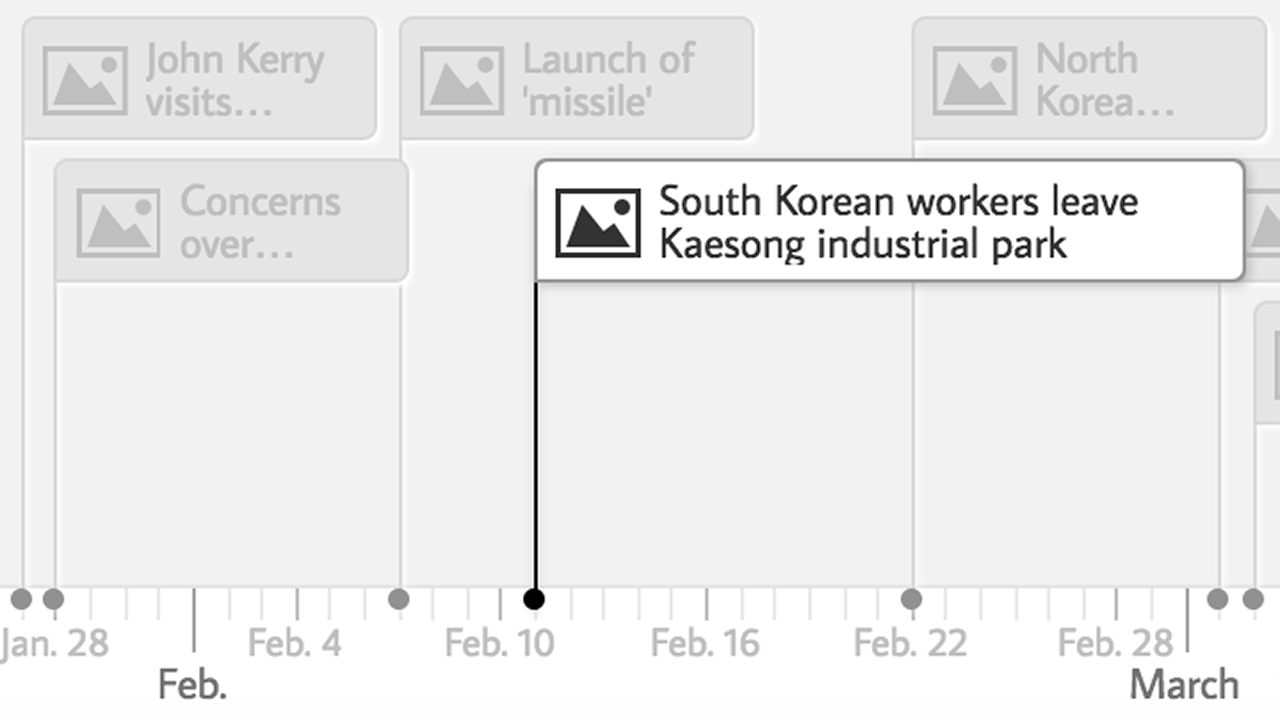
TimeLine JS

Web Address: https://timeline.knightlab.com

In their own words: "TimelineJS is an open-source tool that enables anyone to build visually rich, interactive timelines. Beginners can create a timeline using nothing more than a Google spreadsheet."

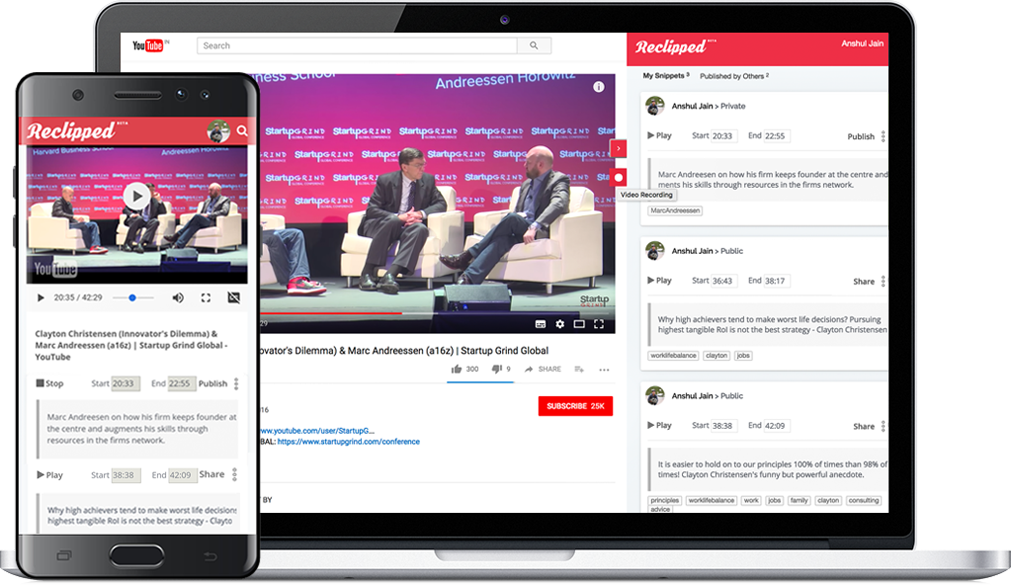
ReClipped - Annotate, collect, and share parts of online videos


Web Address
: https://www.reclipped.com/


In thier own words: "Preparing for an exam or adding a new skill to your repertoire? If videos form an integral part of your learning, ReClipped will help you maximise it. Add notes on videos, collect segments to revise, study in groups - on platform of your choice, from your favourite device."

MetaVerse Studio

Web Address: https://gometa.io/

In thier own words: "It seems that everyone is excited about Augmented Reality and other technologies that are changing the world around us, but creating Interactive Experiences is difficult and extremely time consuming.

We want to make it easy for anyone, including non-techies, to Create Amazing Things.

Some of our early users are creating mobile games, silly novelties, interactive stories that let you choose your own adventures, educational experiences, and all kinds of business applications. As these early use cases evolve, they will inspire new ones, and there is no way to predict the amazing things that will emerge."

Go Noodle - Hundreds of videos that activate children's bodies & brains.

Web Address: https://www.gonoodle.com/

In thier own words: "GoNoodle helps teachers and parents get kids moving with short interactive activities. Desk-side movement helps kids achieve more by keeping them engaged and motivated throughout the day."

Open Shot Video Editor - A free, award winning, video editor.

Web Address: https://start.me/en/education

In their own words: "OpenShot™ was created in 2008, in an effort to build a free, simple, open-source video editor for Linux. It is now available on Linux, Mac, and Windows, has been downloaded millions of times, and continues to grow as a project!"

OBS Studio - Everything you need to live stream and record video using multiple sources

Web Address: https://obsproject.com/

About: "Using OBS Studio you can not only record directly from your webcam and microphone, you can also... add in existing videos and still images, capture a window or portion of your screen, and much more."

Nimbus Screenshot & Video Recorder

Web Address: https://chrome.google.com/webstore/detail/nimbus-screenshot-screen/bpconcjcammlapcogcnnelfmaeghhagj?hl=en

In thier own words: "Screen Capture FULL Web page or any part. Edit screenshots. Record screencasts - record video from your screen.Capture the web page, either part of it or the whole browser window, edit your screenshots in a very user-friendly interface. Record screencasts - record video from your screen."

Connected Mind - A nice Mind mapping app for Google Chrome, iOS and Android.

Web Address: http://connected-mind.appspot.com/

In their own words: "Draw unique and memorable mind maps, store them in the cloud for free and access them anywhere
At last it is possible to create a mind map as individual and easy to imprint on your mind as one drawn by hand on paper. The mind maps you create with Connected Mind are even better as you can easily include images and shapes and you have a whole rainbow of colors and a selection of fonts at your disposal.

There is no limit to the number of maps you can create and you can store them in the free cloud storage provided. There is no need to create an account. Simply sign in with your Google or GMail credentials and your maps can be stored in the cloud on a google database.

Once stored in the cloud, you can access your mind maps from any computer that has Google Chrome installed.

You can also take you mind maps with you wherever you go with the Connected Mind Android app available from the Android Play (http://goo.gl/7oBhK) and the iPad app available from the App Store (https://itunes.apple.com/us/app/connected-mind/id659803223). You can open and edit any of your maps created in Chrome on Android or iOS, and vice versa.

Features
✓ Complete control over map layout
✓ Unlimited undo/redo
✓ Shortcut keys for common operations
✓ Speech recognition - speak the text of your branches
✓ Free cloud storage for every user (no need to create an account)
✓ Choice of over 60 fonts that don't need to be installed
✓ Add rich format notes, including images and links, to any map item
✓ Notes displayed as you move your mouse over items
✓ Choice of 27 shapes, with beautiful color gradient fills
✓ Images added to your maps can be sized and clipped to any supported shape
✓ Autosaves after every change
✓ Have multiple maps open, with thumbnail images of each for selection
✓ Copy & paste between maps
✓ Import maps created in Freemind"


Quizalize - Create free self marking formative assessments for your learners.

Web Address: https://www.quizalize.com/

About: This is a free service which lets you create online self marking tests which your learners can then take.

Stoodle - Create free online collaborative whiteboards.

Web Address: http://stoodle.ck12.org/

About: Stoodle provides educators and learners with free, online, collaborative whiteboards

Features:
  • Real-time collaboration on a virtual whiteboard with infinite pages 
  • Real-time communication through voice conferencing and text chat 
  • Permanent storage of all classrooms for later access 
  • Support for image uploading 
  • Access to basic drawing tools and colors

Tagxedo - Word cloud with styles

Web Address: http://www.tagxedo.com/

In their own words: "Tagxedo turns words -- famous speeches, news articles, slogans and themes, even your love letters -- into a visually stunning word cloud, words individually sized appropriately to highlight the frequencies of occurrence within the body of text."

Tagul - A free tool for making custom word clouds.

Web Address: https://tagul.com/

In their own words: "Tagul is an online word cloud generator that enables you to create amazing and unique word cloud art with ease. Professional quality results can be achieved in no time at all, even for users with no prior knowledge of graphic design. Best of all the service is completely free for personal use!"

Cite this for me - Create bibliographies in 60 seconds or less.

Web Address: http://www.citethisforme.com/

About: This is a free service that lets learners quickly and easily create a bibliography for their work.

Sqworl - Simple Visual Bookmarking for Educators

Web Address: http://sqworl.com/

In their own words: "Tens of thousands of educators... use Sqworl to organize their bookmarks visually.

Whether you're looking to share a collection of links with some colleagues, or you're making a list of pre-approved links for your 2nd grade students to browse during free time, Sqworl makes it easy."

Otter - Simple Websites for Teachers.

Web Address: http://useotter.com/index.php

In their own words: "Otter makes it easy to keep parents and students in the loop. Free."

Audio Boom - Lets you record and host your own short podcasts for free.

Web Address: https://audioboom.com

About: AudioBoom used to be known as Audio Boo.  It offers both free and paid for pod casting hosting services.  As an introduction to pod-casting, it's a great service to dip your toe in the water.

Twisted Wave - A browser-based audio editor

Web Address: https://twistedwave.com/online/

About: "TwistedWave is a browser-based audio editor. You only need a web browser to access it, and you can use it to record or edit any audio file.

All the audio is stored and processed on the server, so you don't need to download anything, or save your work when you are done.

With a free account, you can edit mono files up to 5 minutes in length."

Techie Teacher © 2014. All Rights Reserved | Powered By Blogger | Blogger Templates

Designed by-SpeckyThemes