Showing posts with label Resource Creation. Show all posts

Knowt - An app that uses machine learning to automatically turn your notes into review quizzes.


Web Address
: https://getknowt.com/

In their own words: "Our algorithm makes sure learning will never be the same again. First, we take your notes and analyze them using machine learning. On our server, the A.I. determines the best question formats for each sentence. Once it knows the best questions, the algorithm sends it to the web or mobile app for you to take a quiz!"

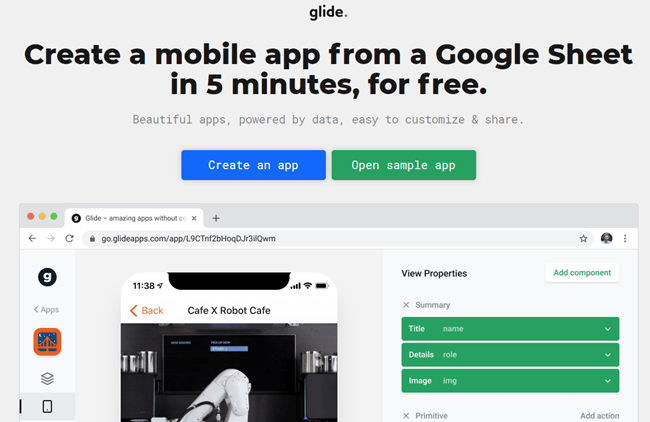
Glide: Create a mobile app from a Google Sheet in 5 minutes, for free.

Web Address: https://www.glideapps.com/

About: This is a free service that lets you create web-based mobile apps in under 10 minutes by pulling data off a Google Spreadsheet.

Beautiful Audio Editor - Edit audio anywhere.

Web Address: https://beautifulaudioeditor.appspot.com/

About: "An experimental audio editor.
Copy. Snip. Pan. Record. Flexibly fade volume with envelopes. Apply and move effects (filters, compression, etc.) amongst tracks. And more.
Edit while playing for quick feedback.
Works online or offline.
Create and organize projects in Google Drive. Edit projects anywhere within Chrome or Firefox.
Store projects online or offline (in a local file to load later)."

Synth - Podcasting in byte-sized increments.

Web Address: https://gosynth.com/

In their own words: "256 second audio or video soundbytes that you can share anywhere, discover easily, interact with and listen to back-to-back. Free."

National Geographic 101 - A wide collection of videos focusing on nature and science

Web Address: https://www.youtube.com/playlist?list=PLivjPDlt6ApRpidjp1zjROOCKru-89Q1_

In their own words: Explore and experience some of nature's most intriguing phenomena in the 101 series, a science class unlike any other.

Microsoft Forms - Easily create surveys, quizzes and polls.

Web Address: https://forms.office.com/

About: This is Microsoft's take on Google forms.  Both services do the same thing, letting you create online surveys, quizzes and polls.  which one you use is entirely down to your own personal preference.

Pexels Videos - Find free stock footage for Chroma key (green screen) backgrounds

Web Address: https://videos.pexels.com/

In their own words: "Pexels Videos offers completely free videos. All videos are licensed under the Creative Commons Zero (CC0) license. This means you can edit or change the videos and use them free for personal and even for commercial projects. All without asking for permission or setting a link to the source. So that attribution is not required. With our swiftly growing database of videos, you are guaranteed to find the perfect footage for your website header, product promotion, or anything else. Every video we have available is free for any purpose - including commercial. This guarantees that you will be saving the hundreds of dollars better spent promoting your brand."

Flipgrid - Video for Student Engagement & Formative Assessment

Web Address: https://info.flipgrid.com/

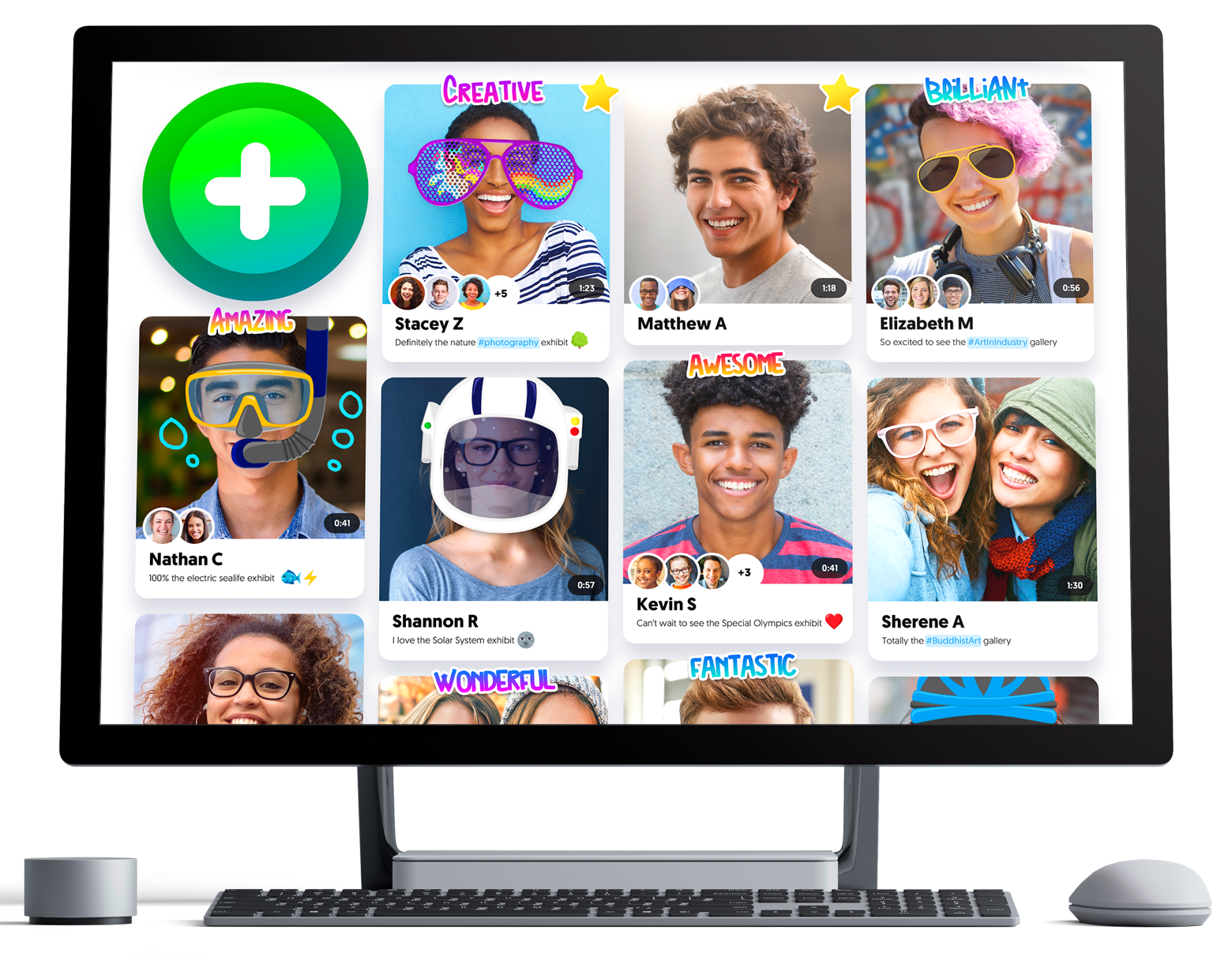
About: Flipgrid is a website that allows educators to create "grids" to enable video discussions. Each grid is like a message board where teachers can pose questions, and their learners can post video responses that appear in a tiled grid display.

@CoRubrics - An Add-on to Facilitate Assessment Among Students

Web Address: https://corubrics-en.tecnocentres.org/

In their own words: "CoRubrics, an add-on for Google Sheets helps teachers in the assessment process. It is used to assess students (or groups of students) with a rubric designed by the teacher and also allows students to assess other students (coevaluation).
CoRubrics automates the entire process. First, teachers design the rubric they want to use in Google Sheets, then they add the students' names and their email address. (These can be imported from Google Classroom). Once this is done, the add-on will:
  • Create a Google Form with the contents of the rubric.
  • Send the form to the students by email or simply provide the link to the teacher.
  • Process the data once the form is filled out (by the students or by the teacher).
  • Finally, send the results to the students (each student receives only their results) with a personalized comment.
  • Insert comments when answered.
  • Allow Co-evaluation, self-assessment and teacher assessment with one link.

In addition, CoRubrics allows:
  • Insert comments when answered.
  • Allow Co-evaluation, self-assessment and teacher assessment with one link.

TimeLine JS

Web Address: https://timeline.knightlab.com

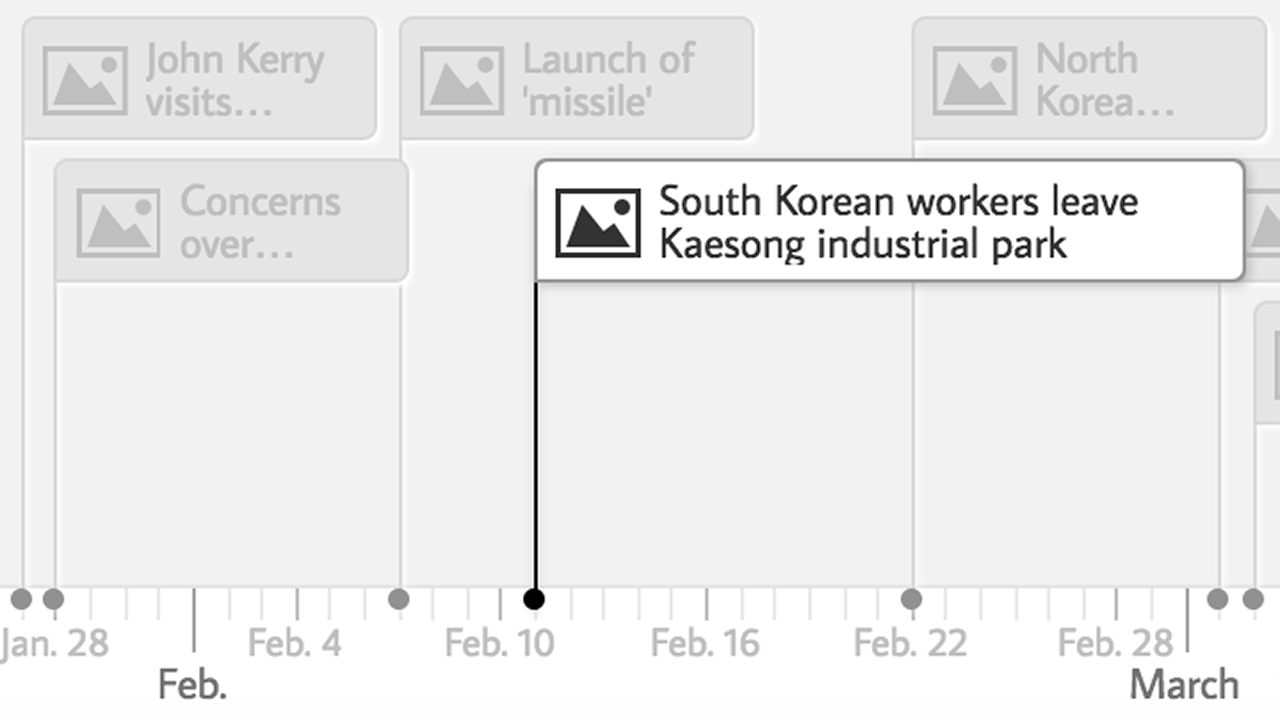
In their own words: "TimelineJS is an open-source tool that enables anyone to build visually rich, interactive timelines. Beginners can create a timeline using nothing more than a Google spreadsheet."

Document Studio for Google Docs - Easily perform mail merges with Google Docs

Web Address:  https://chrome.google.com/webstore/detail/document-studio/nhgeilcelhkmajkfgmgldbinmgjjajlb

In their own words:  "Create documents with Google Sheets and Google Forms responses. Includes Mail Merge, Store merged files in Google Drive and ShareCreate documents from your spreadsheet data and Google Forms responses in a snap."

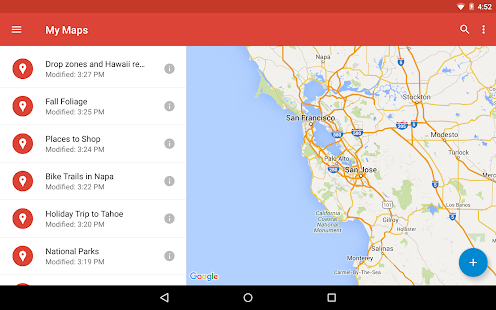
Google "My Maps" - Easily create custom maps with the places that matter to you.

Web Address: https://www.google.com/maps/d/u/0/

About: Google "My Maps" enables teachers and learners to create custom maps. Users can add points, lines, and shapes on top of Google Maps, using a WYSIWYG editor.

Mission MapQuest - A geography "map game" creation tool

Web Address: http://www.classtools.net/mapgame/game.php

About: This lets teachers set a series of clues that pupils need to follow to identify places around the world.

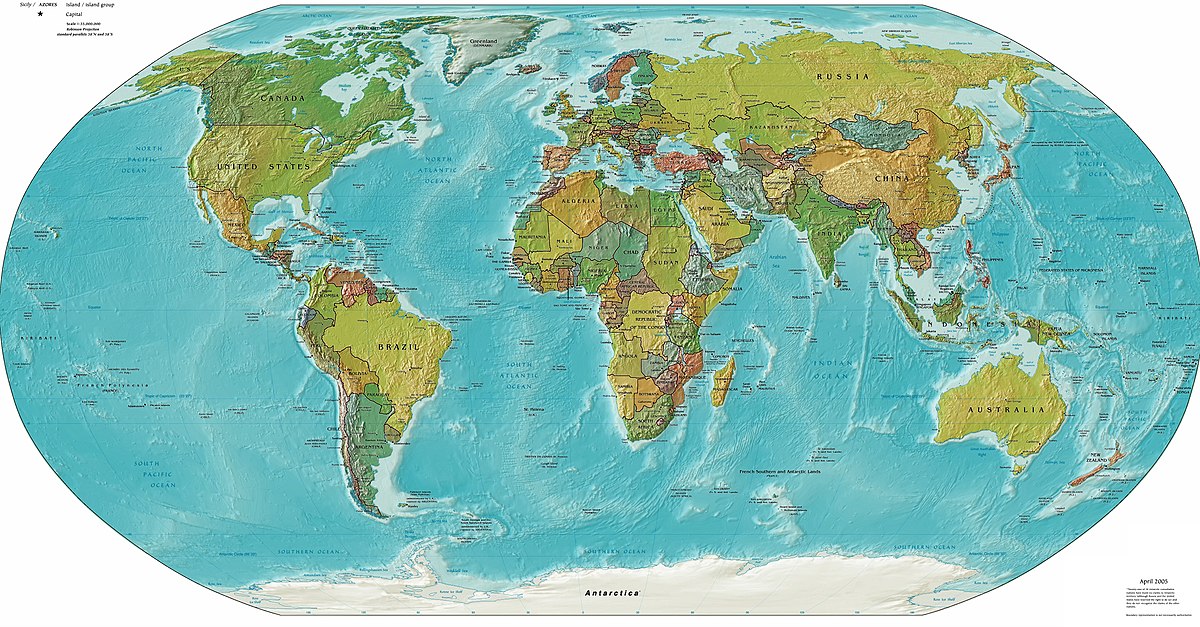
Smarty Pins - A Google Maps based geography and trivia game.

Web Address: https://smartypins.withgoogle.com/

About:  This is a nice game to support the teaching of Geography. It gives pupils a trivia question that they have to answer by placing a pin on a map. Players earn "miles" for correctly placing a pin on the map. Players can lose miles for answering incorrectly and or taking too long to answer.

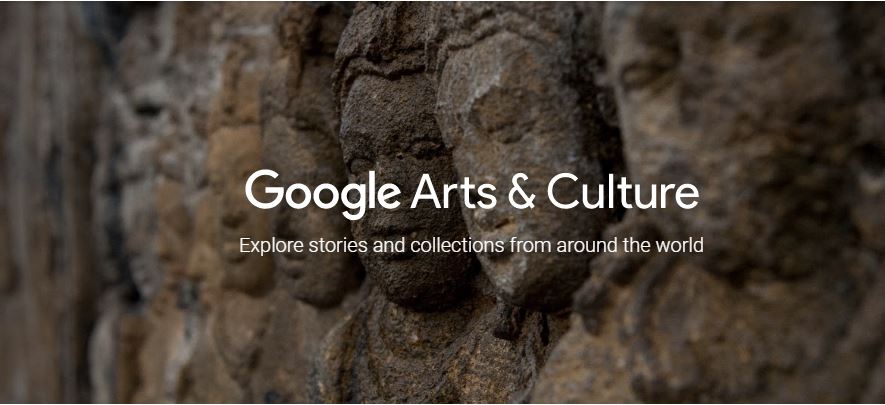
Google Arts & Culture

Web Address: https://www.google.com/culturalinstitute/beta/

In thier own words: "EXPLORE COLLECTIONS FROM AROUND THE WORLD WITH GOOGLE ARTS & CULTURE, CREATED BY GOOGLE CULTURAL INSTITUTE."

Google Tour Builder

Web Address: https://tourbuilder.withgoogle.com/

In their own words: "Tour Builder is a new way to show people the places you've visited and the experiences you had along the way using Google Earth. It lets you pick the locations right on the map, add in photos, text, and video, and then share your creation."

Open Shot Video Editor - A free, award winning, video editor.

Web Address: https://start.me/en/education

In their own words: "OpenShot™ was created in 2008, in an effort to build a free, simple, open-source video editor for Linux. It is now available on Linux, Mac, and Windows, has been downloaded millions of times, and continues to grow as a project!"

OBS Studio - Everything you need to live stream and record video using multiple sources

Web Address: https://obsproject.com/

About: "Using OBS Studio you can not only record directly from your webcam and microphone, you can also... add in existing videos and still images, capture a window or portion of your screen, and much more."

Nimbus Screenshot & Video Recorder

Web Address: https://chrome.google.com/webstore/detail/nimbus-screenshot-screen/bpconcjcammlapcogcnnelfmaeghhagj?hl=en

In thier own words: "Screen Capture FULL Web page or any part. Edit screenshots. Record screencasts - record video from your screen.Capture the web page, either part of it or the whole browser window, edit your screenshots in a very user-friendly interface. Record screencasts - record video from your screen."

Connected Mind - A nice Mind mapping app for Google Chrome, iOS and Android.

Web Address: http://connected-mind.appspot.com/

In their own words: "Draw unique and memorable mind maps, store them in the cloud for free and access them anywhere
At last it is possible to create a mind map as individual and easy to imprint on your mind as one drawn by hand on paper. The mind maps you create with Connected Mind are even better as you can easily include images and shapes and you have a whole rainbow of colors and a selection of fonts at your disposal.

There is no limit to the number of maps you can create and you can store them in the free cloud storage provided. There is no need to create an account. Simply sign in with your Google or GMail credentials and your maps can be stored in the cloud on a google database.

Once stored in the cloud, you can access your mind maps from any computer that has Google Chrome installed.

You can also take you mind maps with you wherever you go with the Connected Mind Android app available from the Android Play (http://goo.gl/7oBhK) and the iPad app available from the App Store (https://itunes.apple.com/us/app/connected-mind/id659803223). You can open and edit any of your maps created in Chrome on Android or iOS, and vice versa.

Features
✓ Complete control over map layout
✓ Unlimited undo/redo
✓ Shortcut keys for common operations
✓ Speech recognition - speak the text of your branches
✓ Free cloud storage for every user (no need to create an account)
✓ Choice of over 60 fonts that don't need to be installed
✓ Add rich format notes, including images and links, to any map item
✓ Notes displayed as you move your mouse over items
✓ Choice of 27 shapes, with beautiful color gradient fills
✓ Images added to your maps can be sized and clipped to any supported shape
✓ Autosaves after every change
✓ Have multiple maps open, with thumbnail images of each for selection
✓ Copy & paste between maps
✓ Import maps created in Freemind"


Techie Teacher © 2014. All Rights Reserved | Powered By Blogger | Blogger Templates

Designed by-SpeckyThemes